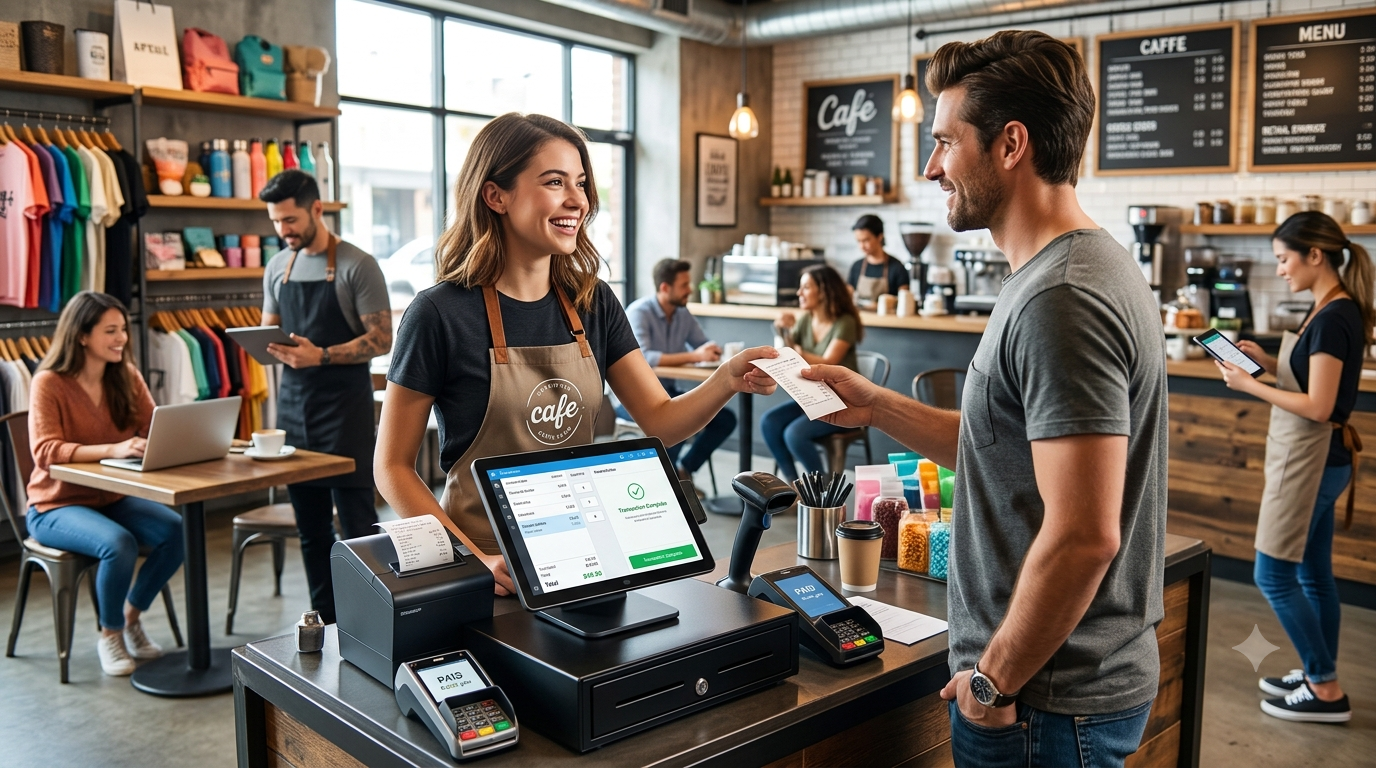
A modern POS system is no longer just a tool for printing bills and accepting payments. Restaurants, cafés, hotels, QSRs, cloud kitchens, retail stores, and growing chains need technology that connects billing, orders, inventory, payments, kitchen operations, customer data, and analytics in one platform.
This is where custom POS software development becomes valuable.
Instead of changing business processes to fit a generic POS product, businesses can build a solution around their specific workflows, integrations, locations, users, and reporting requirements.
In 2026, businesses are also looking at AI-powered POS systems, cloud POS platforms, QR ordering, real-time inventory, digital payments, KDS integration, loyalty programs, and advanced analytics to improve operational efficiency.
What Is Custom POS Software Development?
Custom POS software development is the process of creating a point-of-sale system specifically for a business or industry.
A custom POS can be designed for:
- Restaurants
- Cafés
- Hotels
- QSRs
- Cloud kitchens
- Bakeries
- Bars
- Retail stores
- Supermarkets
- Restaurant chains
- Multi-location businesses
The system can combine front-office and back-office operations into a centralized platform.
Instead of purchasing multiple disconnected applications, businesses can create a POS ecosystem that connects sales, inventory, staff, kitchen operations, customers, and management reporting.
Why Businesses Are Moving Toward Custom POS Systems
Every business operates differently.
A small café may need fast billing and inventory tracking, while a restaurant chain may require centralized menu management, multiple outlets, kitchen displays, loyalty programs, and consolidated reporting.
Generic POS software may not support every workflow.
A custom POS solution can be developed around requirements such as:
Flexible workflows: Configure billing, ordering, discounts, taxes, and approvals around business processes.
Custom integrations: Connect payment gateways, accounting platforms, delivery services, CRM systems, and other business tools.
Scalability: Build the architecture to support additional outlets, users, products, and transactions.
Industry-specific features: Create workflows designed specifically for restaurants, hospitality, or retail.
Business intelligence: Provide management dashboards based on the metrics that actually matter to the organization.
Essential Features of a Modern Custom POS
1. Fast POS Billing
The primary POS interface should make it easy for staff to create orders and complete transactions quickly.
Features can include:
- Product or menu search
- Barcode scanning
- Item modifiers
- Discounts
- Tax calculation
- Multiple payment methods
- Refunds
- Receipts
- Split payments
- Order history
For restaurants, the interface can also support table-based ordering and service workflows.
2. Restaurant Order Management
Restaurant POS systems need more than standard retail billing.
A restaurant-focused POS can support:
- Dine-in orders
- Takeaway orders
- Delivery orders
- Table management
- Table transfers
- Order modifications
- Combo meals
- Item customization
- Kitchen order tickets
This allows front-of-house and kitchen teams to work from connected order information.
3. Kitchen Display System Integration
A Kitchen Display System (KDS) can replace or complement traditional printed kitchen tickets.
Orders can appear on kitchen screens based on configurable workflows.
For example:
Customer → POS → KDS → Kitchen → Order Ready → Customer
This can help kitchen teams organize incoming orders and reduce manual communication between staff.
4. Real-Time Inventory Management
Inventory is one of the most important components of restaurant and retail operations.
A custom POS can track:
- Stock levels
- Ingredients
- Products
- Purchase orders
- Suppliers
- Wastage
- Stock transfers
- Low-stock alerts
- Inventory adjustments
Restaurant POS platforms can also connect menu items with ingredients to support more detailed inventory tracking.
5. QR Code Ordering
QR ordering has become an important feature for modern restaurants.
Customers can scan a QR code at their table and browse the digital menu from their smartphones.
Depending on the implementation, customers may be able to:
- View menus
- Customize items
- Place orders
- Request service
- Make payments
- Receive order updates
QR ordering can reduce pressure on service staff while creating a more digital customer experience.
AI-Powered POS Software in 2026
Artificial intelligence is becoming an important capability in modern business software.
AI-powered POS systems can potentially help businesses analyze historical data and identify patterns related to:
- Product demand
- Sales trends
- Inventory
- Customer behavior
- Operational performance
- Promotions
For example, a restaurant could analyze historical sales data to identify products that perform better during particular days or periods.
AI can also support natural-language business analytics, where authorized users can ask questions about sales or inventory and receive data-driven responses.
However, AI should complement reliable POS data and business rules rather than replace operational controls.
Cloud-Based Custom POS
Cloud POS architecture allows businesses to access centralized information across multiple locations, depending on the system design and connectivity model.
A cloud-based POS can support:
- Centralized reporting
- Multi-location management
- Remote administration
- Cloud data synchronization
- Centralized menu management
- Software updates
- User management
For restaurant chains and retail groups, centralized administration can simplify management across multiple outlets.
Multi-Location POS Management
Businesses with multiple locations often need more advanced controls than a single-store POS.
A custom multi-location POS can provide:
- Centralized product management
- Location-specific pricing
- Centralized reporting
- Branch-level permissions
- Inventory transfers
- Outlet comparisons
- Centralized promotions
- Multi-location customer management
Management teams can monitor business performance without manually combining data from separate systems.
Payment Integration
Modern POS systems need to support different payment methods.
Depending on the market and business requirements, integrations can include:
- Credit and debit cards
- Digital wallets
- QR payments
- Online payment gateways
- Contactless payments
- Cash
- Integrated payment terminals
Payment architecture should be designed carefully, particularly when handling sensitive payment information.
Customer Loyalty and CRM
A POS system can become an important source of customer data.
Businesses can integrate features such as:
- Customer profiles
- Loyalty points
- Memberships
- Rewards
- Coupons
- Purchase history
- Personalized offers
For restaurants and retailers, these capabilities can help create more connected customer experiences.
POS Analytics and Reporting
Business owners need more than daily sales totals.
A modern POS dashboard can provide insights into:
- Daily revenue
- Product performance
- Sales by location
- Peak ordering periods
- Payment methods
- Inventory movement
- Discounts
- Refunds
- Customer activity
Custom reporting allows businesses to focus on metrics specific to their operations.
Custom POS Development Process
A successful POS project starts with understanding the business rather than immediately writing code.
Step 1: Requirement Analysis
Identify:
- Business model
- Number of locations
- Users
- Products or menu items
- Payment methods
- Existing software
- Required integrations
- Reporting requirements
Step 2: POS Architecture
Design the system architecture around security, scalability, integrations, data management, and expected transaction volumes.
Step 3: UI/UX Design
The POS interface should prioritize speed and simplicity because employees may use it continuously throughout the day.
Step 4: Development
Develop core modules such as:
- POS billing
- Order management
- Inventory
- User management
- Payments
- Reporting
- Customer management
Step 5: Integration
Connect external systems such as payment services, accounting software, delivery platforms, CRM tools, printers, scanners, and kitchen systems where required.
Step 6: Testing
Test the system under realistic conditions, including:
- High transaction volumes
- Multiple users
- Payment failures
- Offline scenarios
- Inventory changes
- Refunds
- Device compatibility
- Security vulnerabilities
Step 7: Deployment and Maintenance
After launch, businesses need ongoing monitoring, updates, security improvements, bug fixes, and feature enhancements.
How Much Does Custom POS Software Development Cost?
The cost depends heavily on the scope of the system.
Factors that influence the cost include:
- Number of platforms
- Number of POS terminals
- Custom features
- Payment integrations
- Hardware integrations
- Cloud architecture
- Multi-location support
- Inventory complexity
- AI features
- Third-party integrations
- Security requirements
- Maintenance requirements
A basic POS application and a multi-location restaurant management platform can have very different development requirements.
For this reason, businesses should define their functional and technical requirements before estimating the project budget.
Custom POS vs. Off-the-Shelf POS
The choice depends on the business requirements.
| Requirement | Custom POS | Off-the-Shelf POS |
|---|---|---|
| Custom workflows | High flexibility | Usually limited |
| Industry-specific features | Can be designed | Depends on product |
| Integrations | Can be customized | Depends on available integrations |
| Scalability | Designed around requirements | Product-dependent |
| Initial investment | Usually higher | Often lower |
| Long-term customization | High | Product-dependent |
| Ownership/control | Greater control over development | Vendor-dependent |
Businesses should evaluate total cost, implementation requirements, integration needs, scalability, and operational fit rather than focusing only on initial software price.
Security Considerations for POS Software
POS systems process valuable business and customer information, making security essential.
A secure POS platform should consider:
- Role-based access control
- Strong authentication
- Secure APIs
- Encryption
- Secure payment integrations
- Audit logging
- Data backups
- Vulnerability management
- Regular security testing
Payment-related environments may also have specific compliance requirements depending on how payment card information is handled.
Future of Custom POS Software
POS technology is moving toward connected business platforms rather than standalone billing applications.
Future-focused POS solutions are increasingly combining:
POS + Inventory + Payments + KDS + CRM + Analytics + AI + Cloud
This creates a centralized technology ecosystem where different business functions can share data.
For restaurant and retail businesses, the next generation of POS software will likely focus on automation, real-time visibility, connected customer experiences, and data-driven decision-making.
Conclusion
Custom POS software development gives restaurants, cafés, hotels, QSRs, cloud kitchens, retailers, and multi-location businesses the flexibility to create technology around their actual operational needs.
A modern POS can go far beyond billing by connecting orders, inventory, payments, kitchen operations, customers, loyalty, analytics, and AI-powered insights.
For businesses planning a new POS platform in 2026, the key is to start with clear workflows, scalable architecture, secure payment integration, and a roadmap for future capabilities.
A well-designed custom POS can become the central technology platform that connects everyday operations with business intelligence.
Comments